Ensure the availability of your Microsoft Teams Rooms meeting rooms
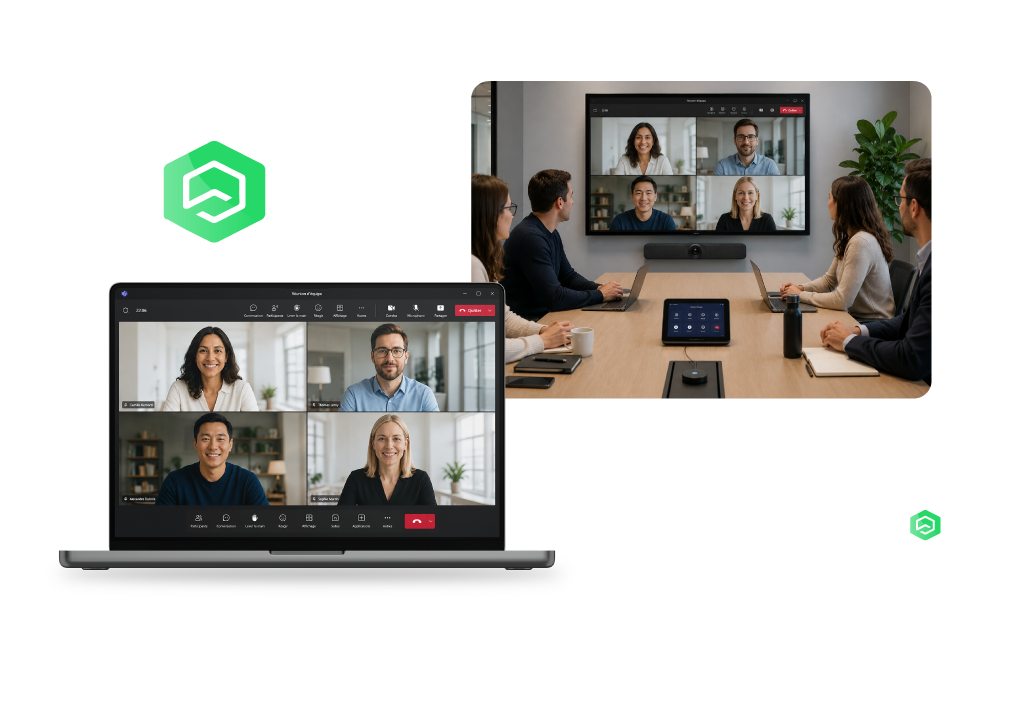
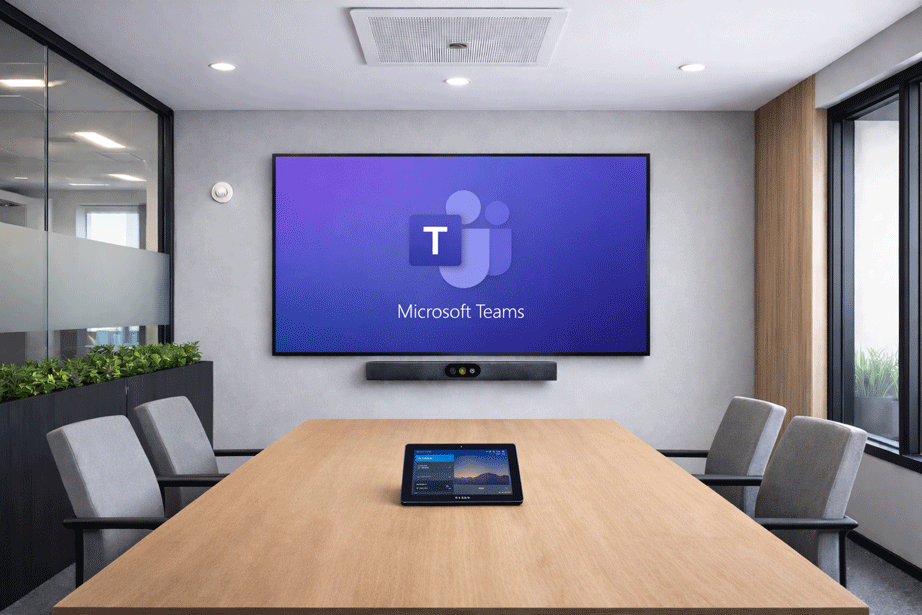
Why monitor your Microsoft Teams Rooms?
When a screen, camera, microphone, or the Teams Room system itself encounters an issue, meeting quality is immediately affected.
Without proactive monitoring, IT and Workplace teams often only discover incidents when users report them. Monitoring Microsoft Teams Rooms helps identify issues before they affect meetings and improves service quality over the long term.
Complete visibility accross your Teams Rooms
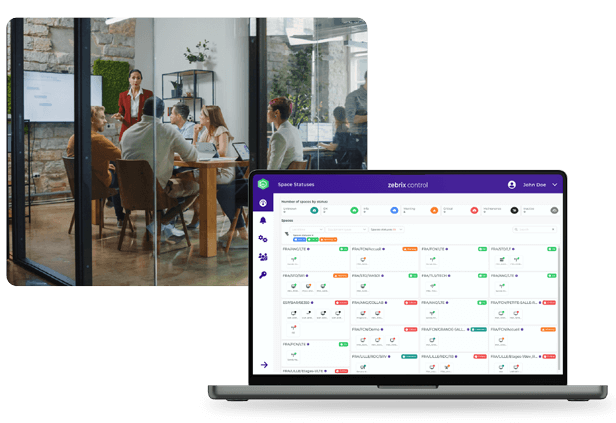
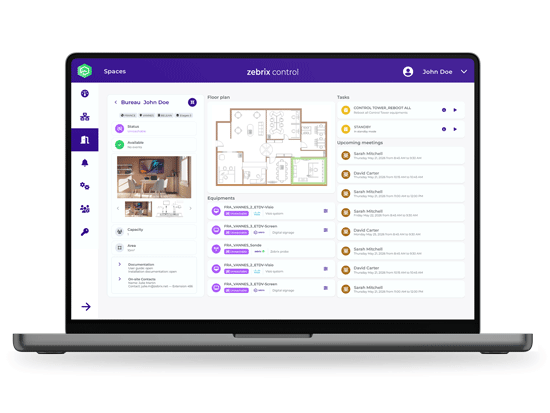
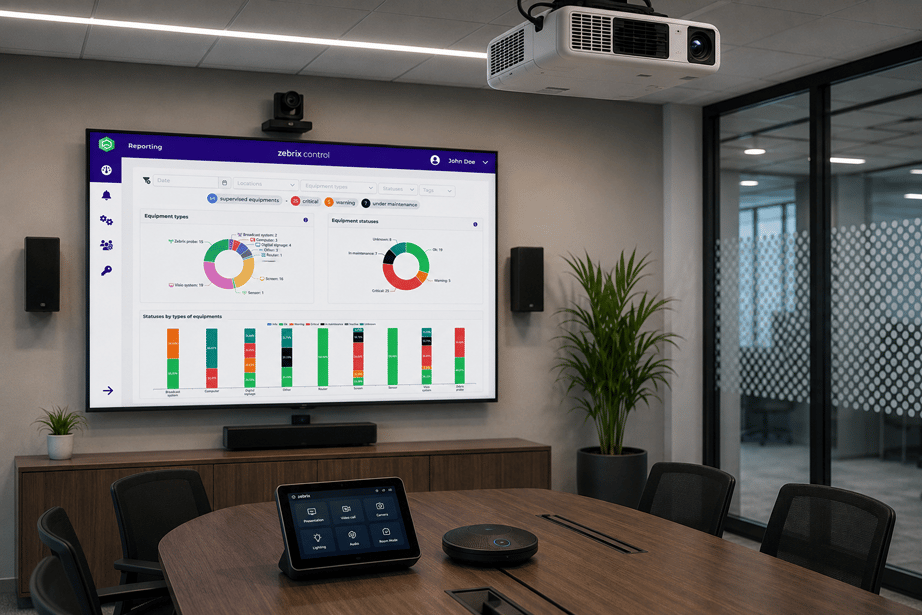
Monitor the status of all your Microsoft Teams Rooms from a single, centralized platform.
- Room Status
- Equipment Availability
- Teams Rooms system health
- Alerts and Incidents
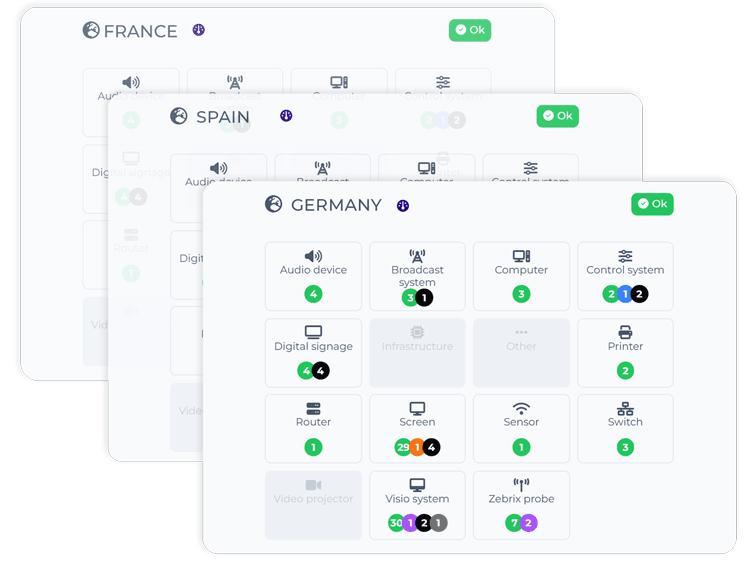
- Multi-site monitoring
- Consolidated view of spaces
Get a comprehensive, real-time view of your collaboration environments.
Detect anomalies before users do
-
Continuous monitoring: Constantly monitor the health metrics of Microsoft Teams Rooms.
-
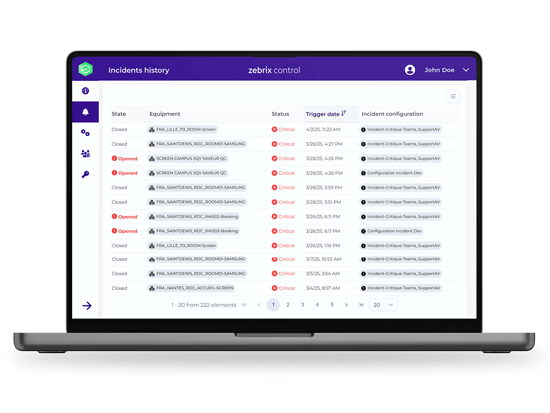
Automatic alerts: Get notified immediately when a device becomes unavailable or exhibits abnormal behavior.
-
Incident prioritization: Quickly identify critical spaces requiring intervention.
Ensure your meeting rooms are ready every day
- Morning routines: Automate daily checks of rooms and connected AV devices.
- Automated health checks: Monitor devices, connectivity, and critical configurations.
- Health reports: Identify rooms requiring corrective action before meetings begin.
Work Remotely
-
Remote Control: Perform certain corrective actions directly from the platform.
-
Remote Access: Securely access equipment administration interfaces.
-
Accelerated Support: Diagnose and resolve incidents more quickly.
A vendor-agnostic approach to meeting rooms
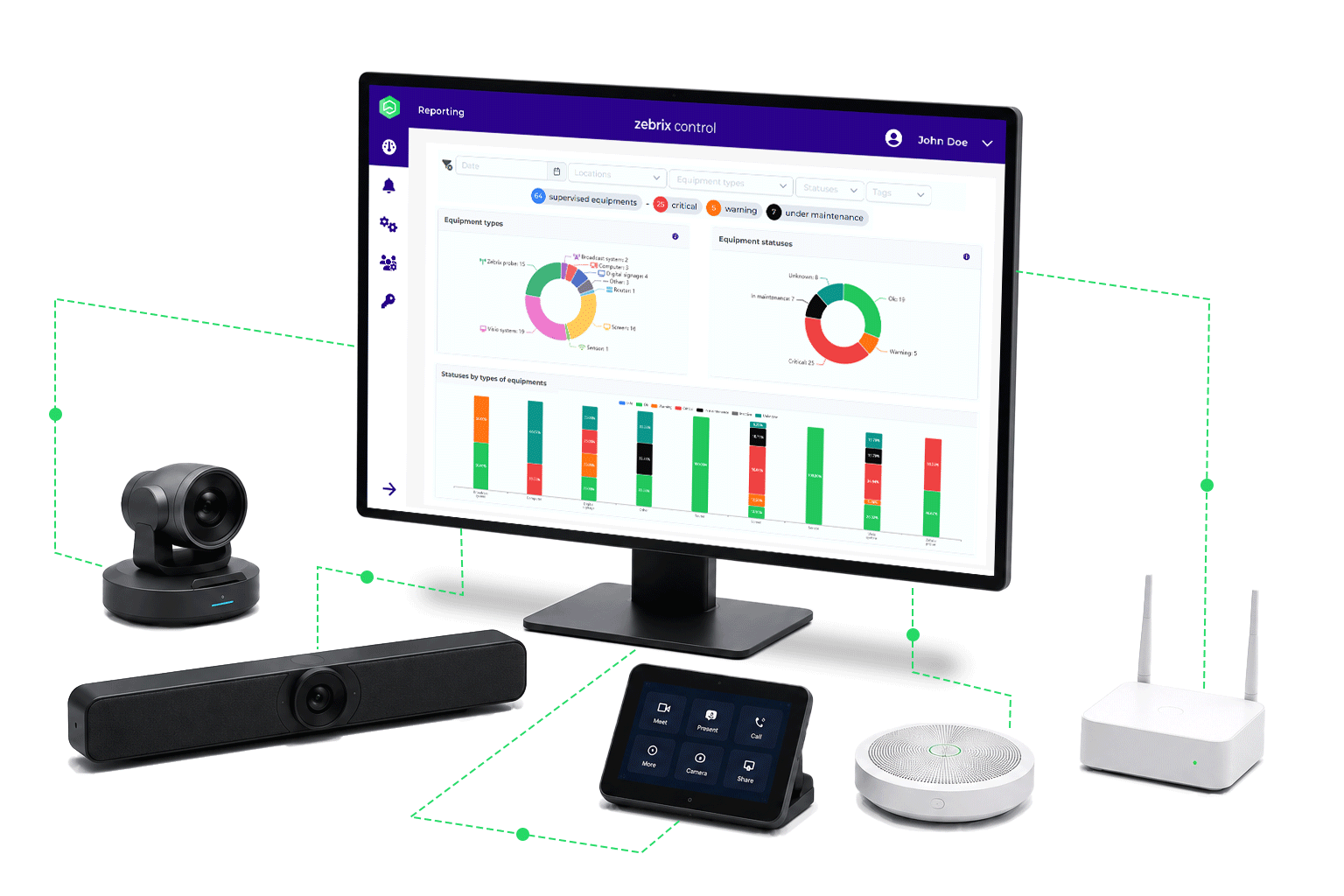
Microsoft Teams Rooms are built on a variety of devices and manufacturers. Zebrix Control centralizes the following in a single interface:
-
Microsoft Teams Rooms systems
-
Cameras
-
Microphones
-
Speakers
-
Screens
-
Touch Controllers
-
Third-party audiovisual equipment
You benefit from unified monitoring of the entire meeting environment.
Suitable for multi-site deployments
- Centralized management
- Multi-site monitoring
- Standardization of operations
- Comprehensive reporting
-
Unified governance
Why Choose Zebrix Control?
-
Proactive monitoring: Detect anomalies before they affect users.
-
Preventive maintenance: Automate checks and improve room availability.
-
Remote control: Reduce resolution times and on-site visits.
-
Platform-agnostic: Monitor Microsoft equipment and third-party devices from a single interface.
New to AV monitoring?
Frequently Asked Questions
What is Microsoft Teams Rooms monitoring?
Microsoft Teams Rooms monitoring involves monitoring the status of Teams Rooms and their equipment to detect anomalies, improve availability, and reduce service interruptions.
What types of equipment can be monitored?
Teams Rooms systems, cameras, microphones, speakers, displays, touch controllers, and related audiovisual equipment.
Why Implement Preventive Maintenance for Teams Rooms?
Preventive maintenance helps identify problems before they affect meetings and improves the availability of collaborative spaces.
Is Zebrix Control suitable for multi-site deployments?
Yes. The platform allows you to monitor multiple buildings, sites, or countries from a single interface.