Zebrix Signage: the Digital Signage solution for managing your screens
Header Design - Signage - 3
Zebrix V4 Pictograms_Worksheet 1, Copy 12

Create your content

Create your content pages and playlists, and tag them with custom tags.

Zebrix V4 Pictograms_Worksheet 1, Copy 5

Stream in real time

Stream your content directly to your screens or using an external player.

picto control data_Analysis

Control your
screens remotely

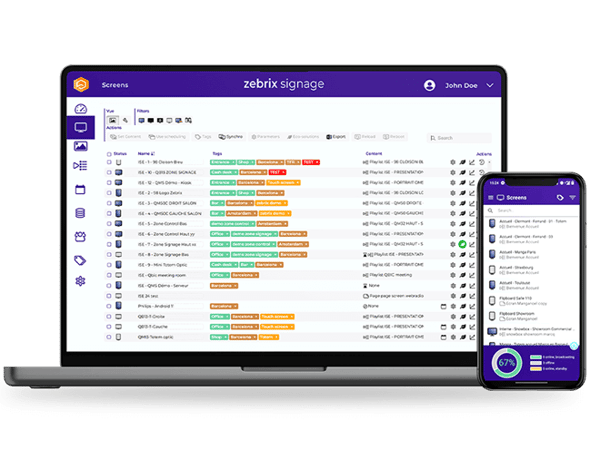
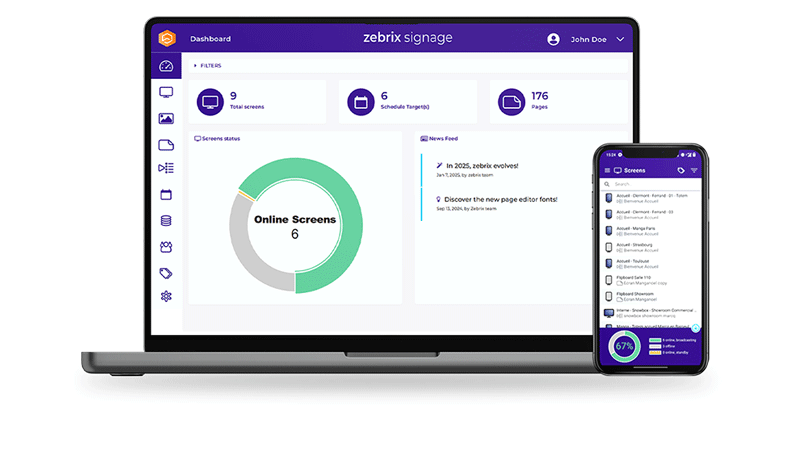
Easily control your screens from a single platform via a web browser or mobile app.

They trust the Zebrix Signage solution
MacBook + iPhone Dashboard Mockup Signage@0.75x

A 100% cloud-based digital signage solution

Zebrix Signage is a 100% cloud-based digital signage solution designed to simplify content and screen management, whether you have a single screen or a network spanning multiple locations. From your web browser or the mobile app, create content, organize playlists, schedule campaigns, and control your screens remotely.
Manage your digital signage from a single platform

Digital signage allows you to display digital content on screens installed in retail locations, restaurants, businesses, agencies, healthcare facilities, and many other spaces.

With Zebrix Signage, content creation, scheduling, delivery, and screen management are all centralized on a single platform. This allows you to manage your digital signage network remotely and tailor the messages displayed based on your locations, screens, audiences, or needs.

Create engaging content

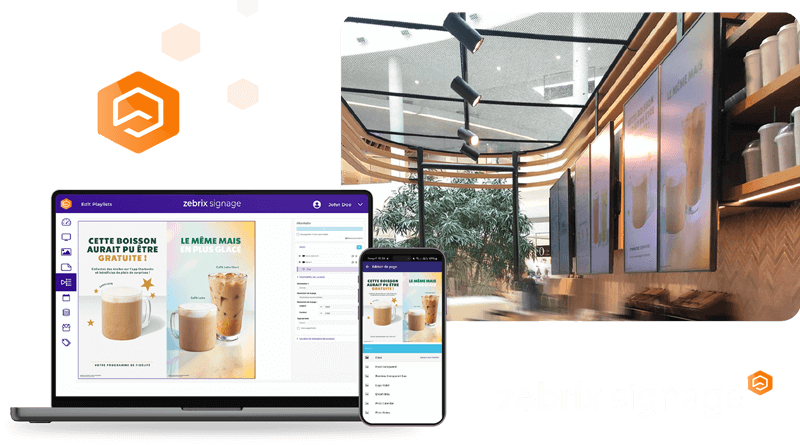
Import your images, videos, and other media, then design pages tailored to your screens using the Zebrix content editor.

Create templates and multi-zone pages that combine text, images, videos, RSS feeds, web content, and other information sources.

Schedule your content

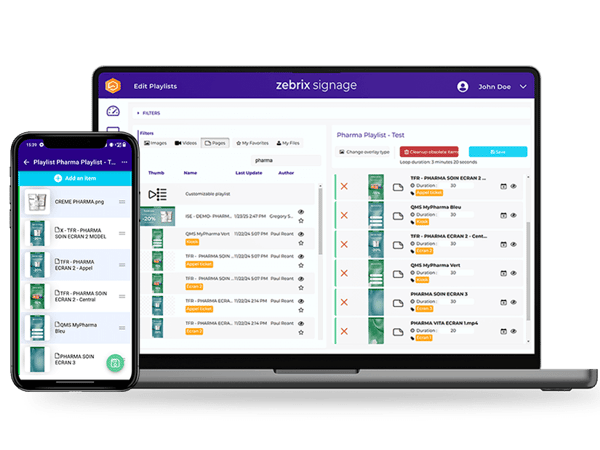
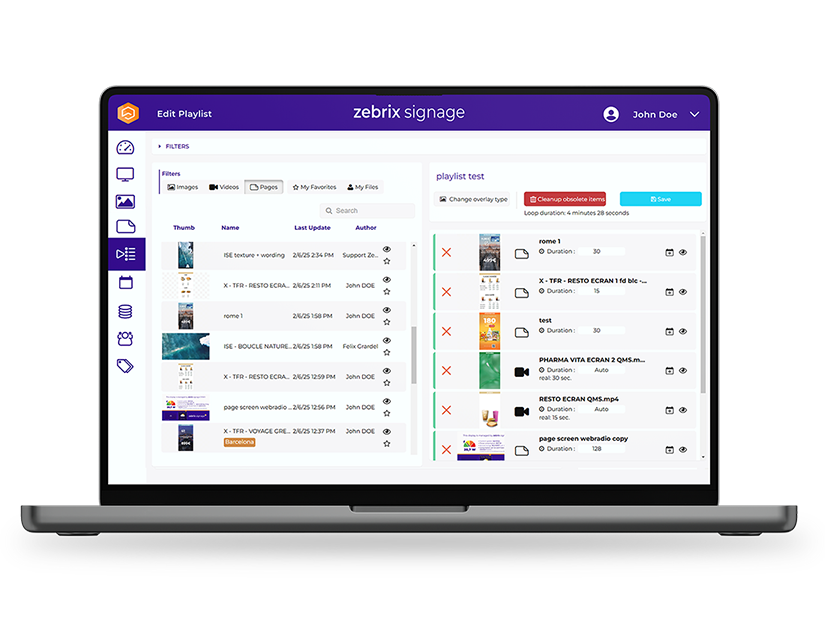
Organize your content into playlists and specify exactly when and where it should be played.

Scheduling capabilities allow you to automatically tailor messages based on the screen, group of screens, location, or time of day.

Signage Playlist Mockup
Mockup-MacBook-+-iPhone-Screens-Signage

Control your screens remotely

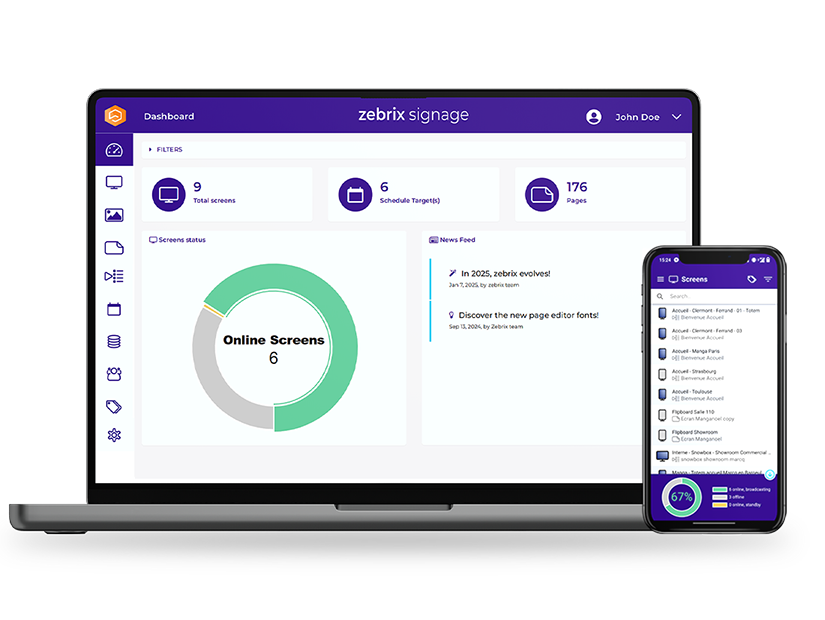
Monitor and manage your screen network directly from your web browser or the Zebrix mobile app.

A single centralised interface gives you control over your digital signage network, allowing you to monitor screen status and perform remote actions whenever required.

They are Zebrix-certified

Digital signage software designed to ease your day-to-day management

Deploying a network of screens shouldn’t make communication more complex. Zebrix Signage is designed to enable teams to manage screens and content independently through an intuitive, cloud-based interface.

Media libraries, content creation, playlists, scheduling, campaigns, analytics and device management are all brought together within a single digital signage platform.

Whether you manage a handful of screens or an international digital signage network, everything can be controlled from one centralised interface.

20210921_SAMSUNGxKINEPOLIS_5Y0A0858
DECATHLON6

Manage up to 10,000 screens

Zebrix allows you to manage up to 10,000 screens in real time from the web platform or mobile app. Teams can manage screens located across different facilities, cities, or countries without having to physically visit each site.

Easily organize screens, content, and users

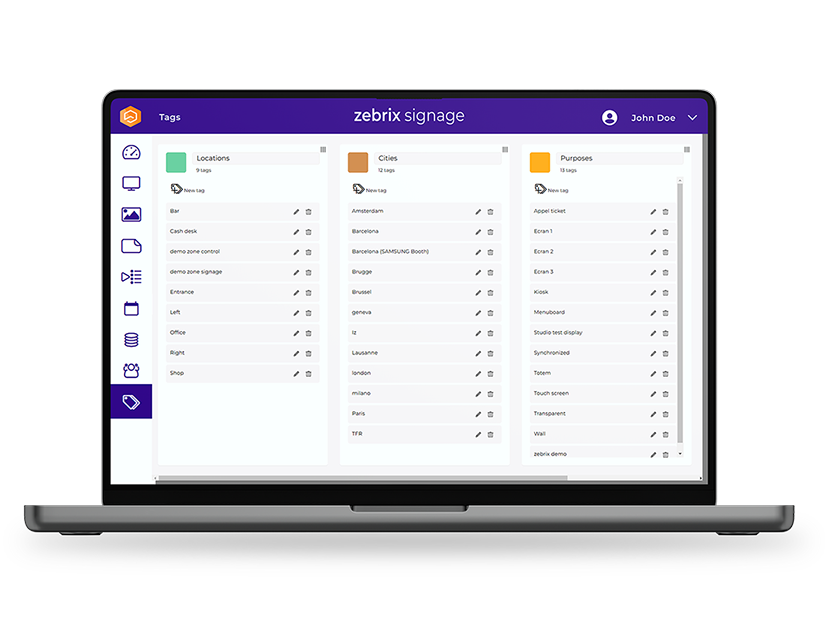
The Zebrix tagging system lets you categorize and target content, screens, and users based on your own criteria: location, screen orientation, institution, content type, or geographic area. This allows you to create distribution rules tailored to the structure of your network.

MacBook Signage Mockup TAGS@0.75x
A.S.

Keep your content running, even if the network goes down

Content is downloaded locally to ensure continuous playback even when the Internet connection is temporarily unavailable.

Your digital signage therefore keeps running without requiring a permanent network connection.

Create, schedule, and publish content in just a few clicks

Zebrix Signage includes the tools you need to manage the entire lifecycle of your digital signage content. Import your media from your computer or cloud storage, create your pages and templates, build your playlists, and then schedule their playback. The content editor supports:

  • Images
  • Videos
  • Text
  • Web Pages & HTML
  • RSS feeds
  • Interactive content
  • Dynamic information
  • Widgets & Apps
Content can be previewed before publication and updated remotely. Statistics and read-through data also allow you to track campaign reach and gain better visibility into the activity of your display network.

MacBook Mockup Signage Playlist V2@0.75x

Take advantage of unlimited distribution opportunities!

Screen

Playerless digital signage

Enjoy all the features of Zebrix Signage without an external player on SamsungTizen™and LG webOS displays , as well as on a wide range of other display and touchscreen modelsrunning Android. You can also use the solution on displays running Chrome OS and on a range of e-paper displays.

Player

Digital signage with an external media player

Want to use Zebrix with other display models? The solution can also operate with certified players: Giada, Intel, ChromeOS, Qeedji (Innes). This flexibility makes it possible to integrate Zebrix Signage into a wide range of existing screen networks and technical environments. 

Manage a network of screens spread across multiple locations

One of the main advantages of a cloud-based digital signage solution is the ability to manage geographically distributed screens without requiring local intervention at every site.
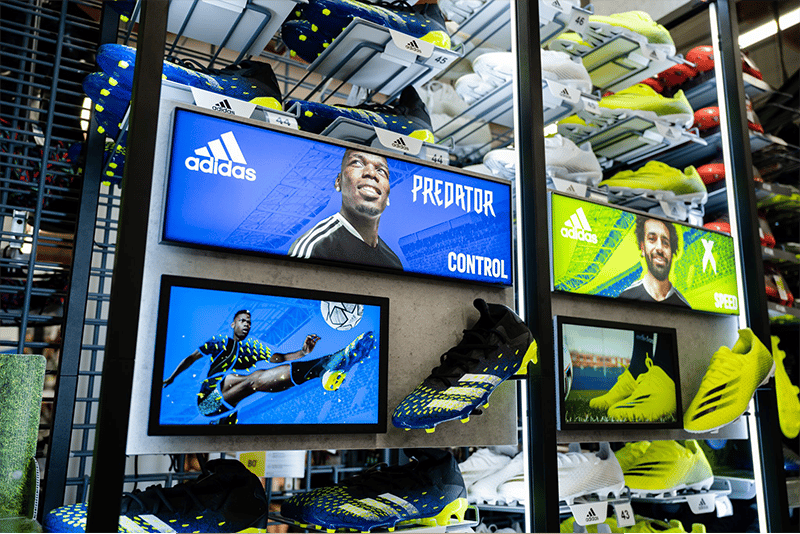
With Zebrix Signage, central teams can create and schedule network-wide campaigns while retaining the flexibility to adapt selected content to individual locations.

A retail network can, for example, roll out a nationwide campaign while customising selected promotions locally. A restaurant group can update digital menus across multiple locations. A company can display different internal communications across offices, departments or teams.

This centralized management makes it easier to deploy and manage  multi-site digital signage networks while keeping communications relevant to each audience.

Connections-5-of-5-1024x683

A digital signage solution tailored to your industry
The role of digital signage varies significantly between a retail store, restaurant, corporate office or healthcare facility.
Zebrix Signage allows you to tailor content and publishing scenarios to the specific communication challenges of your industry.

Louis Delhaize 4

Retail

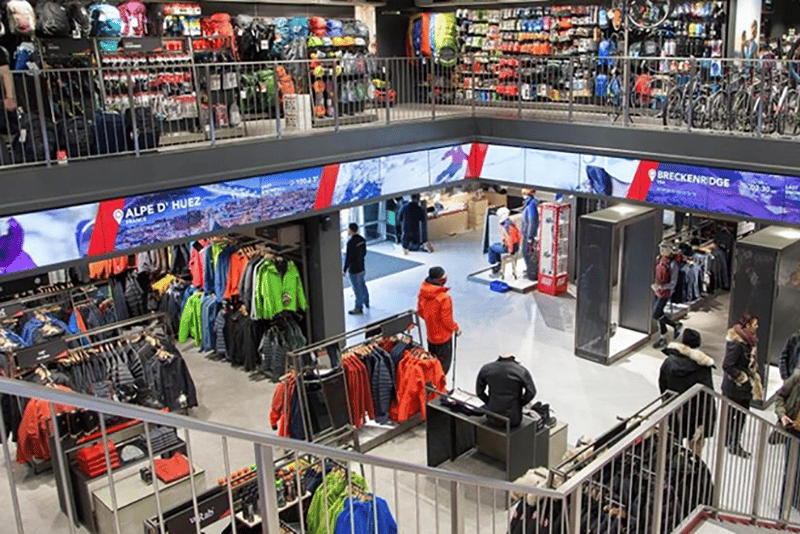
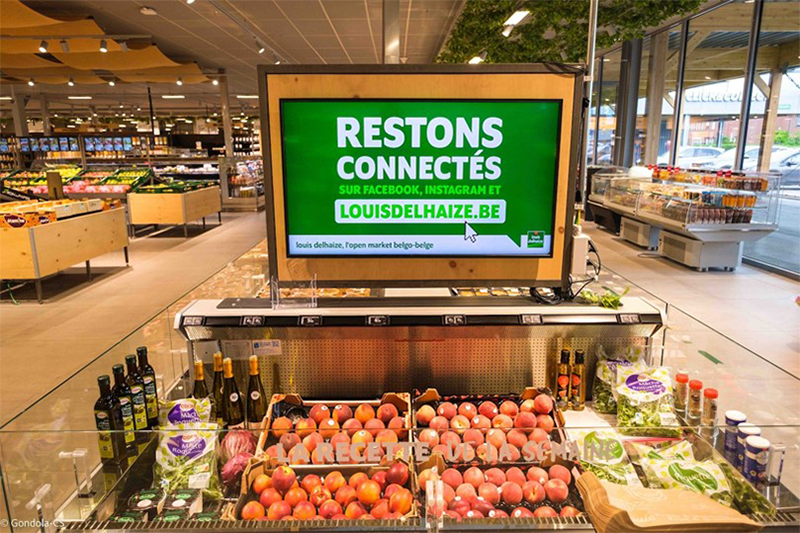
Engage customers in-store, showcase products and promotions, and tailor your communications according to location, screen and time of day.

Starbucks RD Holding-3

Restaurants

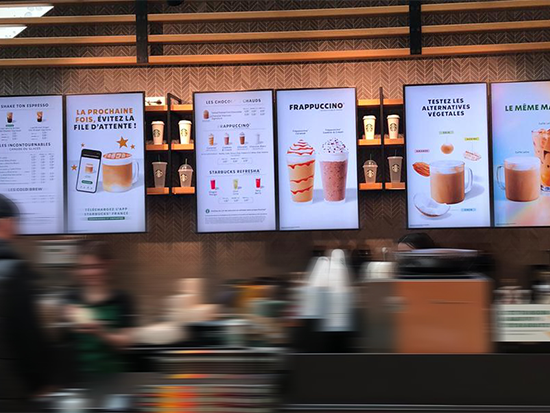
Digitise your menus, promote special offers and quickly update content across digital menu boards throughout your restaurant network.

Ardo (3)

Corporate

Share company news, KPIs, HR information and corporate communications across screens in offices and workplaces.

Layer 7

Fashion

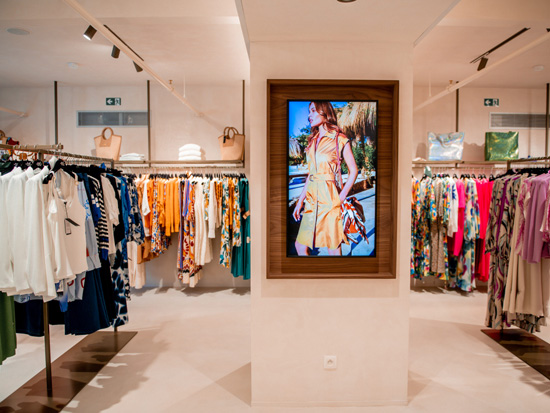
Showcase your collections, highlight your campaigns and promotions, and create a more immersive in-store experience with visual content that can be updated remotely.

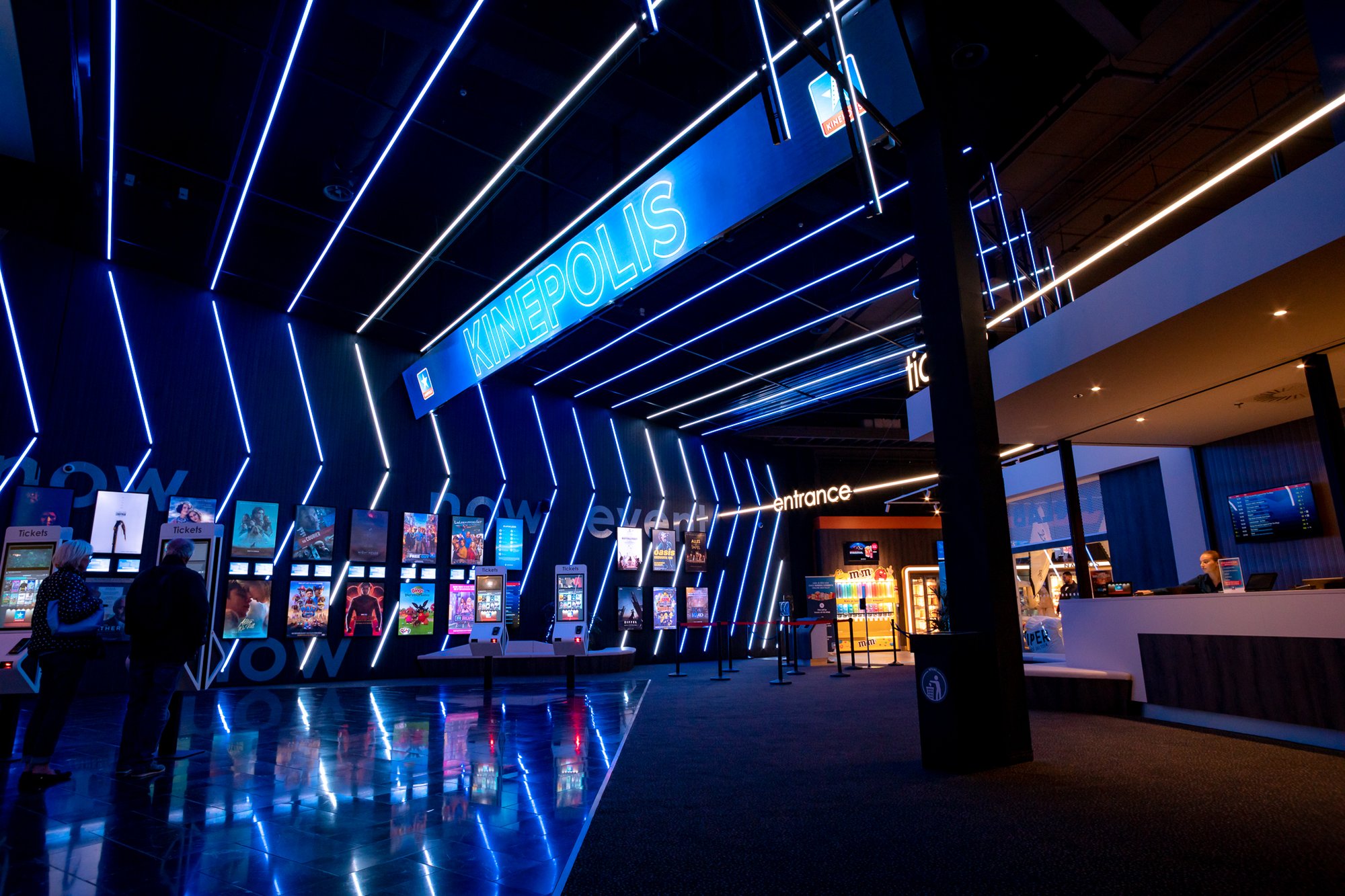
Kinepolis-Amneville (3)

Culture & Entertainment

Keep visitors informed, highlight your programming, and display your content on screens in movie theaters, cultural venues, performance halls, and recreational spaces.

AZ Klina 2

Health

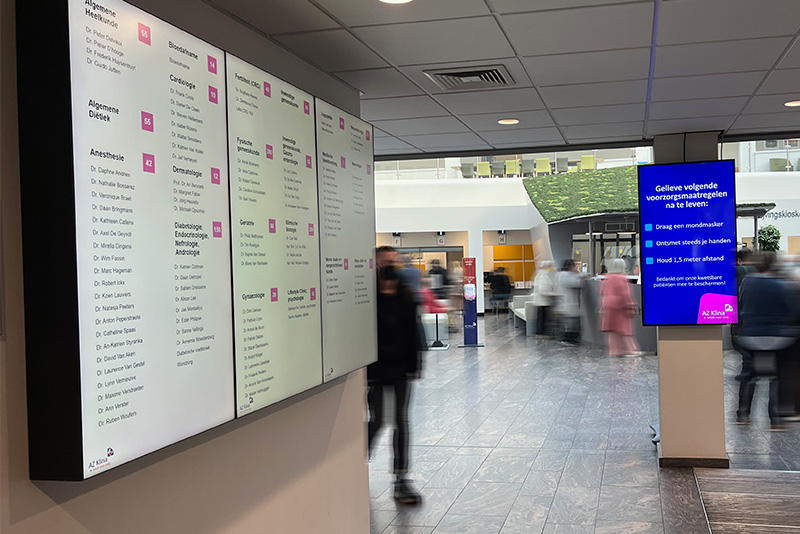
Provide information, guidance, and support to patients and visitors through the screens installed in reception areas and waiting rooms.

be-connected-7 (Large)

Banking & Insurance

Centralize communications across your branch network while allowing content to be tailored to local needs.

Connections-4-of-5-1024x683

Travel & Hospitality

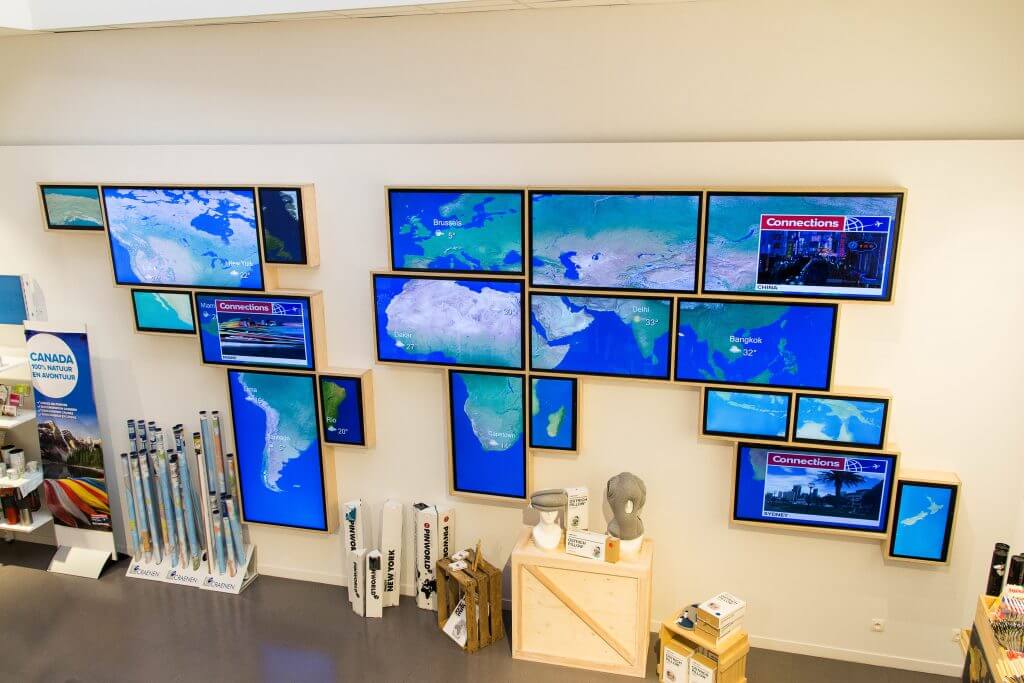
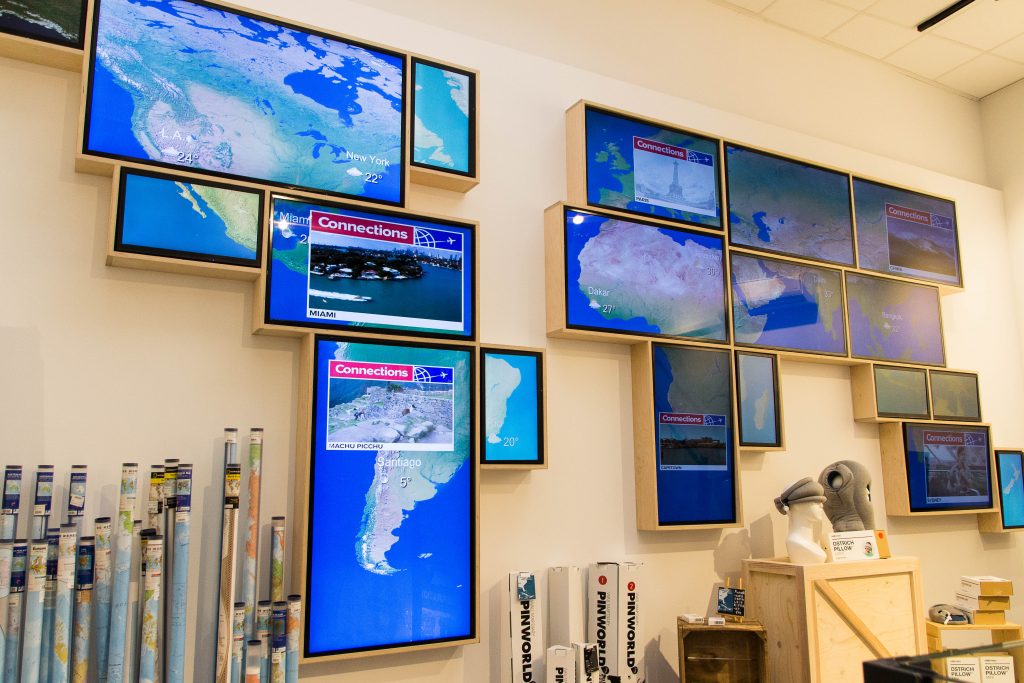
Keep your travelers and customers informed and supported throughout their journey by displaying practical information, services, offers, and personalized content on your screens.

image

Government

Provide information, guidance, and assistance to visitors in public buildings through clear, real-time, and centrally managed communications.

Valenciennes-09-1 Polytechnic University-1

Education

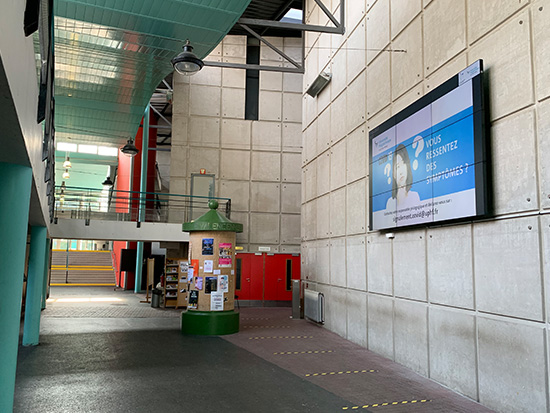
Keep students, teachers, and visitors informed; promote campus life; and display news, events, practical information, and emergency messages on all your screens.

TOUR&TAXIS5

DOOH

Manage your digital out-of-home (DOOH) networks remotely, schedule your campaigns based on locations and times, and automate the delivery of DOOH content across your entire network.

Enhance your content with widgets and apps

Beyond traditional media, Zebrix Signage allows you to incorporate dynamic information and applications directly into your digital signage content. Display news, weather forecasts, time and date, calendars, social media content, web radio, IPTV, QR codes and data from business applications. Applications such as Power BI can also turn your screens into powerful tools for internal communication and real-time data visualisation. Custom developments can further extend these capabilities when your project requires specific integrations or functionality.

The time

News

Weather
Time and Calendar
Social Media
Horoscope
Movies
Quizzes
...

Zebrix V4 Pictograms_Worksheet 1, Copy 5

Media

Web Radio
IPTV
PIP
QR code
Quiz
Web Channel
...

Zebrix V4 Pictograms_Worksheet 1, Copy 11

Businesses

Power BI App
Google Docs App
Clickshare App
Screen Saver
...

Mockup-MacBook-Signage-EcoFeatures-V7

Reduce the energy consumption of your screen network

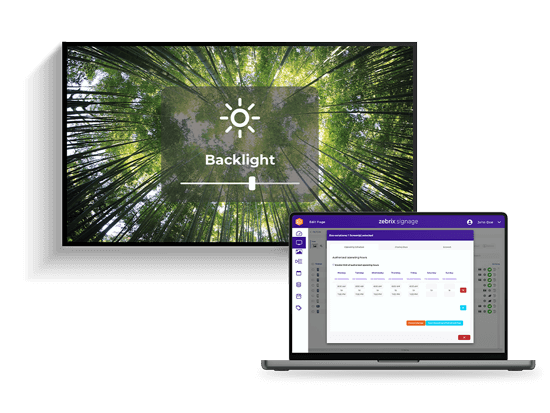
Managing a digital signage network also means keeping its energy consumption under control. Zebrix Signage allows you to schedule screen power-on and power-off times and remotely manage selected display functions to prevent screens from operating unnecessarily. On compatible displays, backlight levels can also be adjusted according to different parameters. Energy management can therefore become an integral part of the day-to-day administration of your digital signage network.

Secure your digital signage network

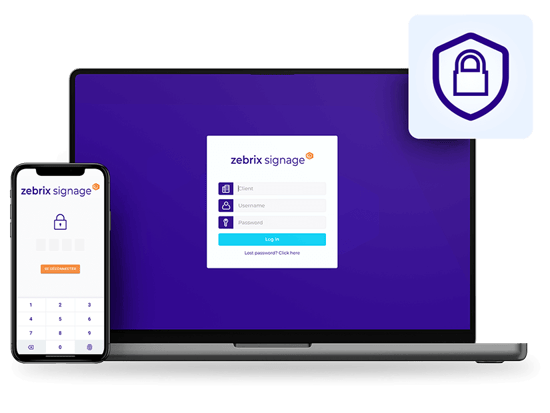
Security is essential when a digital signage network is connected to an organisation's IT infrastructure. Zebrix Signage provides multiple features designed to secure connections, user accounts and access to the platform, including two-factor authentication, IP address restrictions and various authentication and SSO mechanisms.

The platform supports technologies including SAML, OAuth 2.0, Active Directory and Azure AD integrations. User permissions can also be configured according to each team's responsibilities, helping organisations maintain control over who can access, manage and publish content.

Security Mockup 4@0.75x

Connect Zebrix Signage to your IT ecosystem

A digital signage network becomes even more powerful when screen content can be automatically fed by the business tools and data sources your organisation already uses. Through its REST API, Zebrix Signage can connect with different applications and data sources to automate content and workflows.

CRM platforms, POS systems, databases, reporting tools, calendars, dashboards and web services can all be used to feed your screens according to your project's requirements.

These integration capabilities turn digital signage into a fully connected component of your wider digital ecosystem.


Energy Dashboard

Nagios Monitoring System

Take advantage of an open-source monitoring platform and a dedicated Nagios connection to receive alerts (ticketingsystem )

Ad Reports

Advertising Information Resources

Use the API to integrate tracking and monetization into your advertising campaigns

POS

POC System

Connect your point-of-sale systems to zebrix Signage and receive real-time alerts. For example, a fire detection system can automatically display an alert on your screens.

Web Service

Web Services

Connect Zebrix Signage to any type of database or tool (business hours, locations, promotions, Power BI, Sunpanel CMS, CRM software, point-of-sale systems, calendar services, dashboard software, MS Exchange, Google Office, etc.).

img-block-zebrix-sig,age-1

Why choose Zebrix Signage for your digital signage?

Zebrix Signage brings together on a single platform the key features needed to manage a network of displays:

    • 100% cloud-based solution;
    • content creation and management;
    • playlists and broadcast scheduling;
    • centralized screen management;
    • multi-site administration;
    • tagging system for targeting content;
    • statistics and viewership metrics;
    • broadcasting with or without a player;
    • offline operation;
    • widgets and apps;
    • energy management;
    • APIs and integrations with your information system;
    • security and access management features.

Whether you want to set up a few screens or deploy a large-scale network, Zebrix Signage lets you centralize the management of your digital signage while maintaining the flexibility needed for each location.

Frequently Asked Questions

How does Zebrix Signage work?

Zebrix Signage centralizes content creation, playlists, scheduling, and screen management. Users access the online platform to determine what content should be displayed, on which screens, and at what times.

Can we manage multiple screens and multiple sites?

Yes. Zebrix Signage is designed to manage multi-site display networks from a single platform. In particular, displays and content can be organized using tags to make it easier to target them.

Do we need to install a player behind each screen?

Not necessarily. Zebrix Signage can run directly on several lines of compatible professional displays. For other configurations, the solution can also work with various certified external players.
What types of content can be displayed using Zebrix Signage?

Zebrix allows you to publish images, videos, text, web pages, RSS feeds, and dynamic content, among other things. Widgets, apps, and integrations also let you display information from various sources.

Is digital signage suitable for multi-site networks?

Yes. It allows you to centralize communication while tailoring certain content to each location. This approach is particularly well-suited for networks of stores, restaurants, agencies, dealerships, and companies with multiple offices.